Start with a design. Make it yours.
Turn your photos into a travel diary, a magazine cover, a birthday card or a moodboard. Swap in your pictures and personalise the details.
 Collagic
Your best moments deserve more than a camera roll. Turn them into a collage that feels like you.
Freestyle Photo Collage Maker for Android.
Free to download. Contains ads.
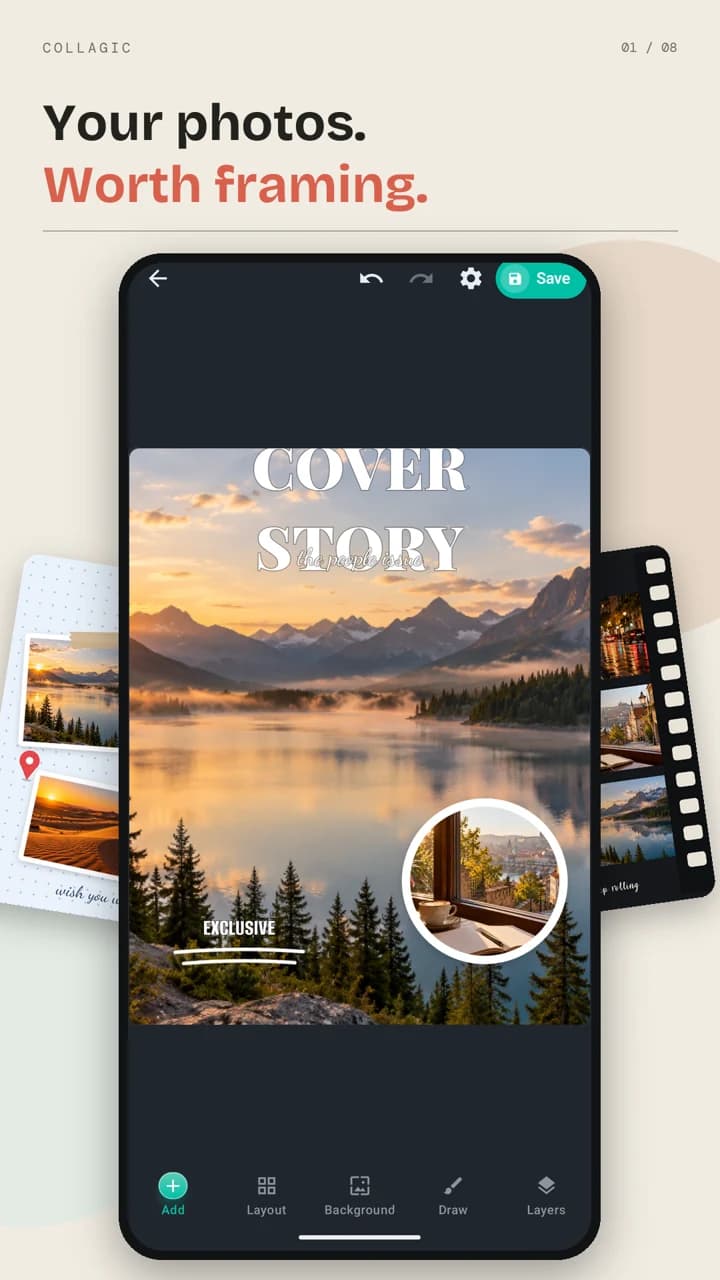
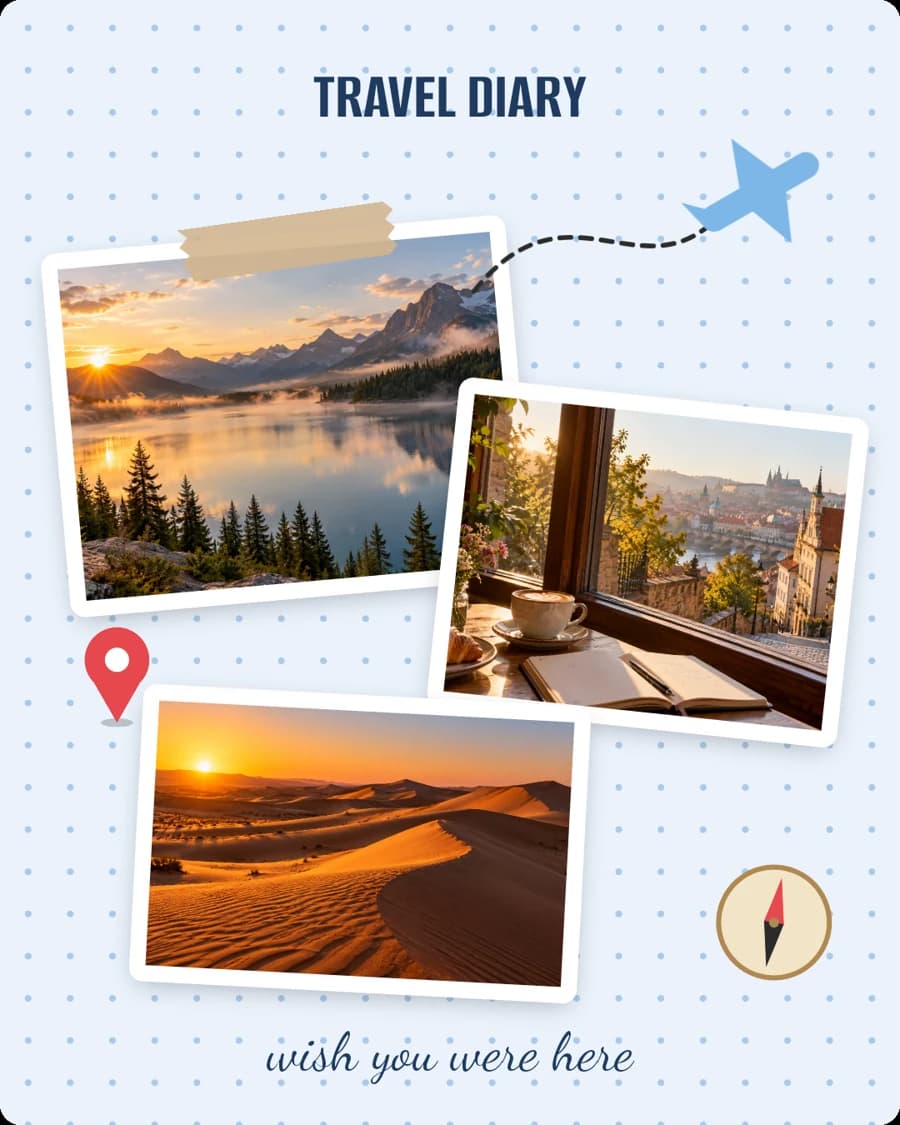
A quick look at what you can make in Collagic.
Real app screens and collage examples. Demo photographs are AI-generated.
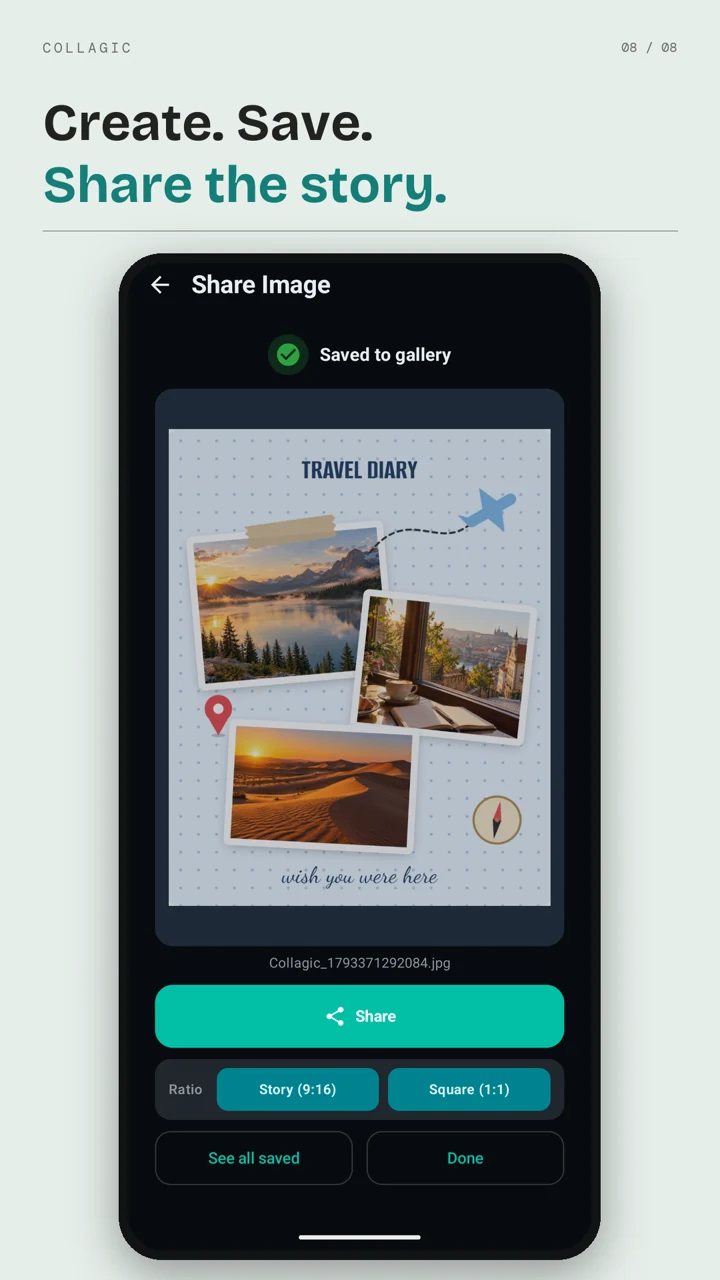
Turn your photos into a travel diary, a magazine cover, a birthday card or a moodboard. Swap in your pictures and personalise the details.
Choose a grid, try Magic layout or shuffle your photos. Freestyle lets you move, rotate, resize and overlap photos on a blank canvas. You can draw your own layout, too.
Add captions, stickers, doodles and frames. Set the background with colours, gradients, patterns or a photo, then fine-tune filters and adjustments.
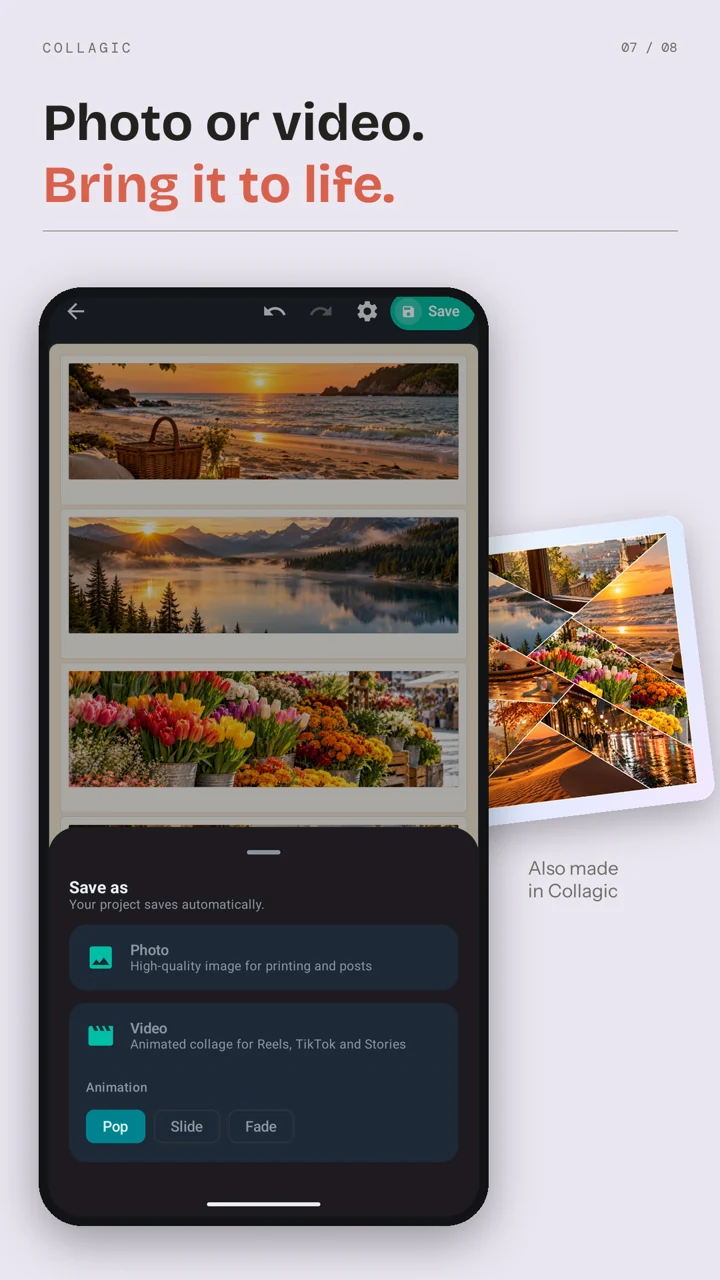
Save a photo or an animated video with Pop, Slide or Fade motion. Return to saved projects, remix a design with new photos and share your finished collage.
The real editor, layouts, photo tools and sharing options.
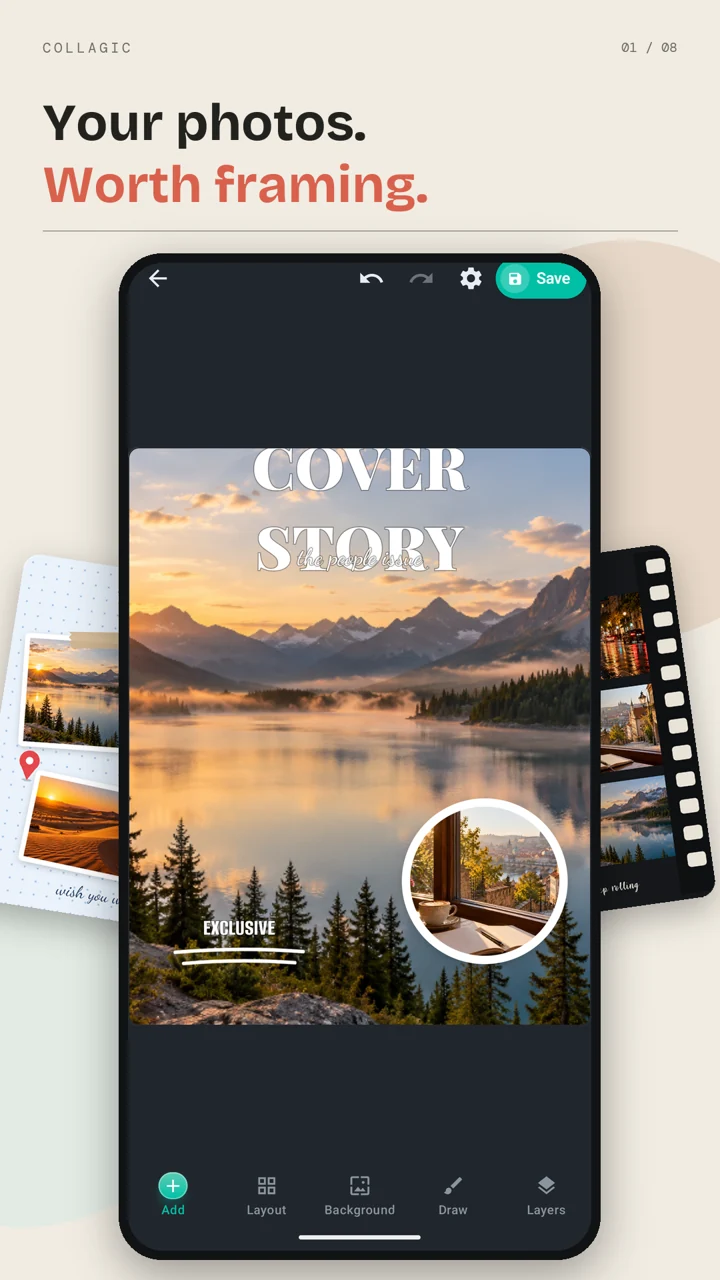
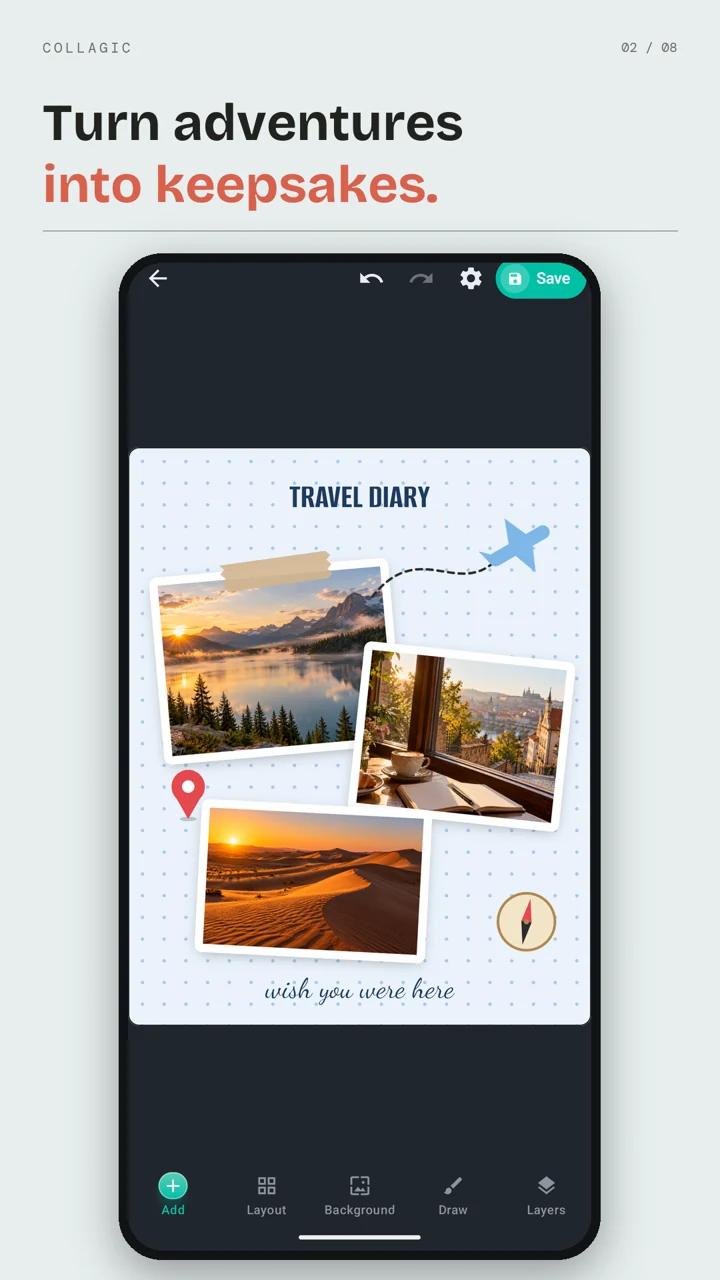
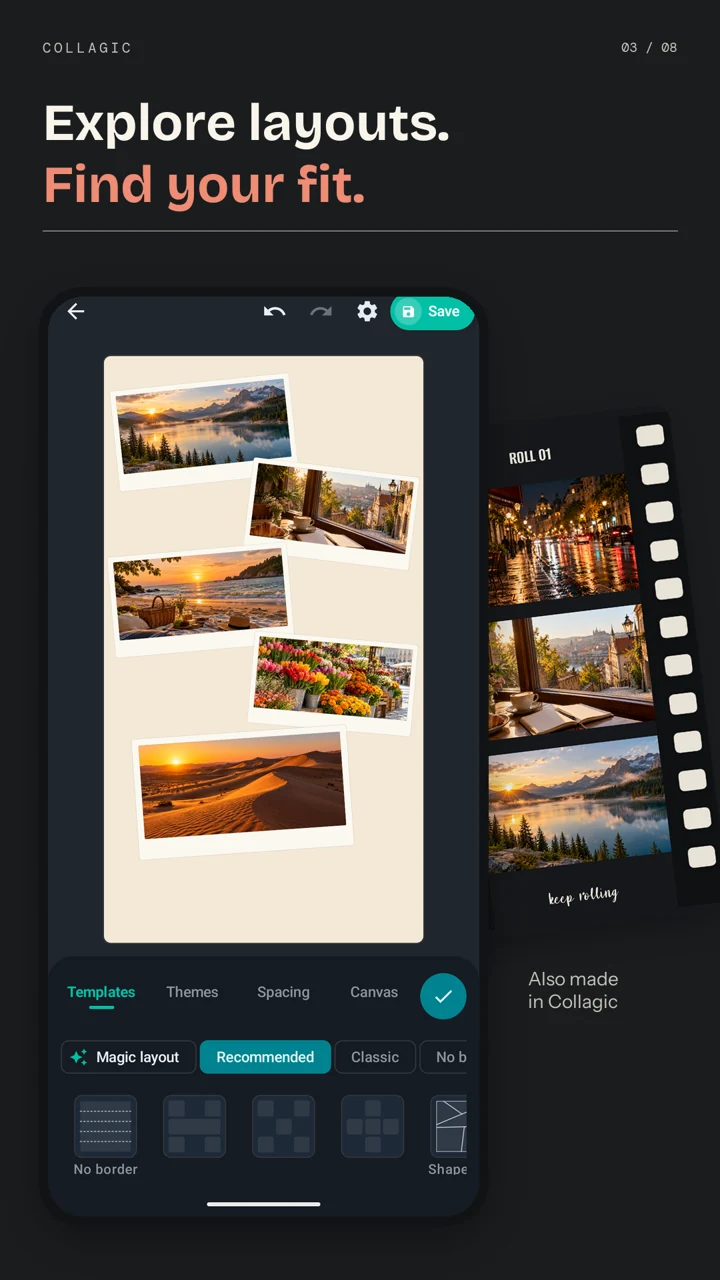
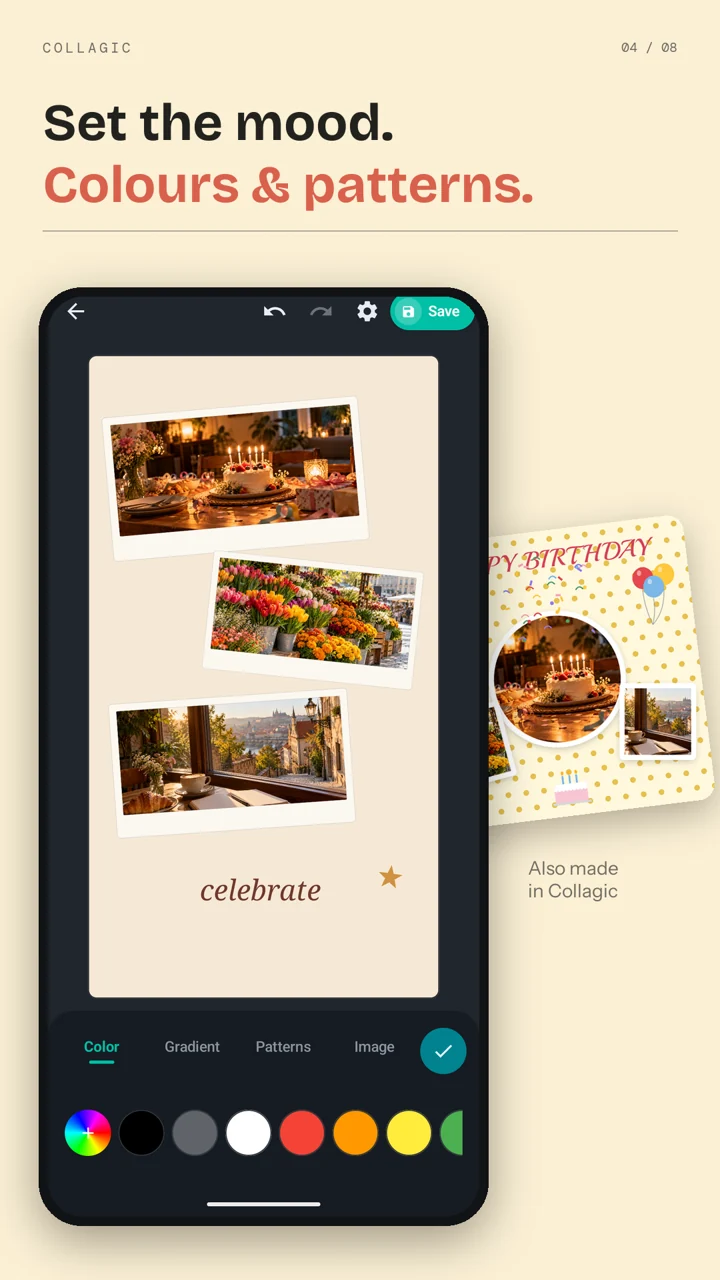
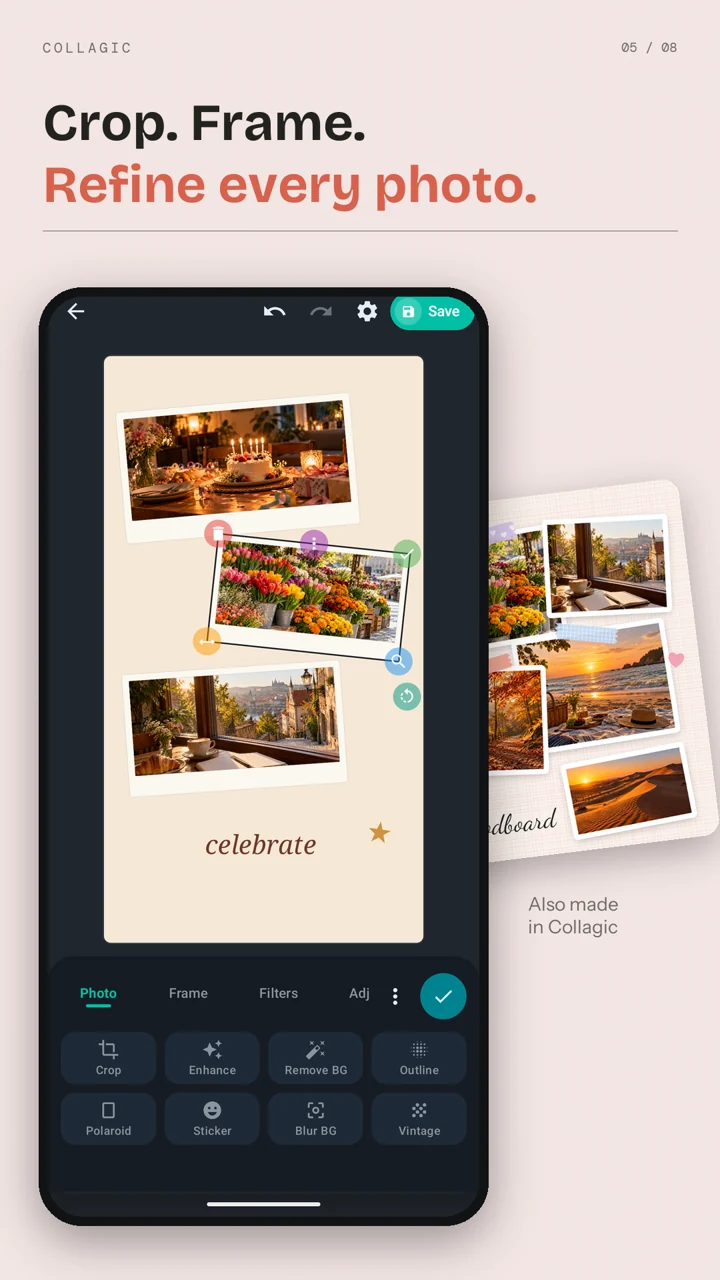
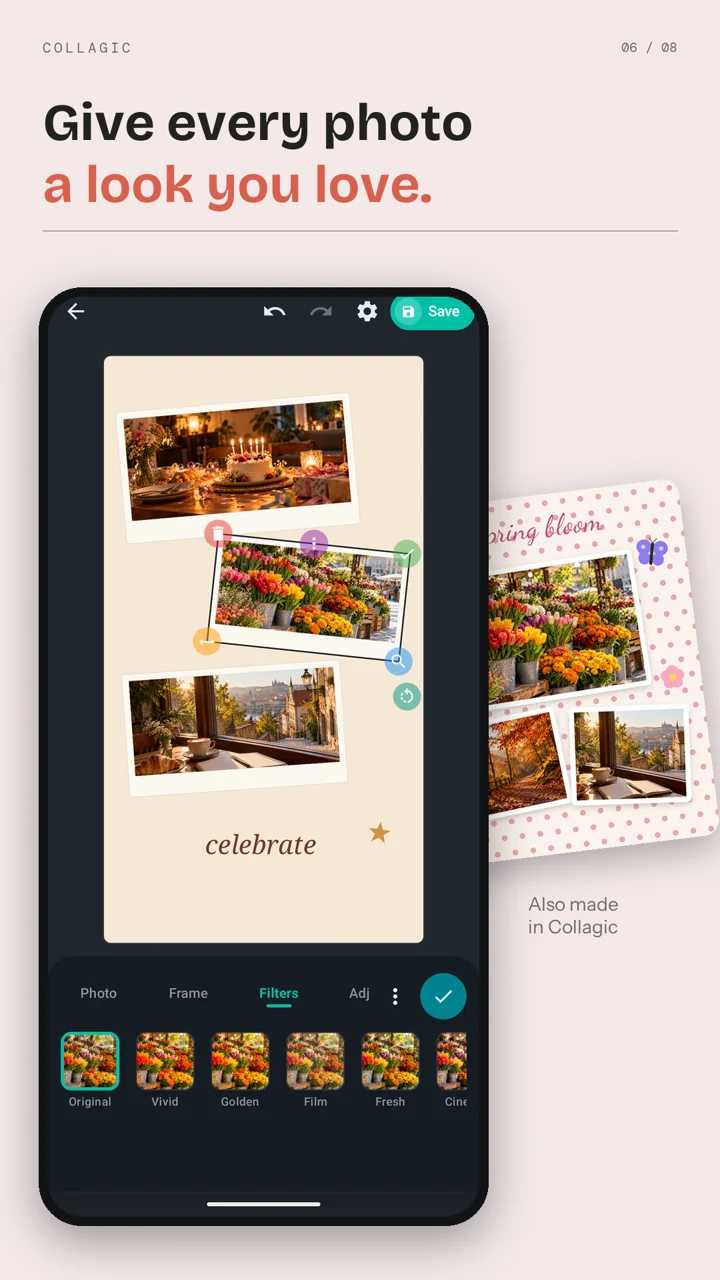
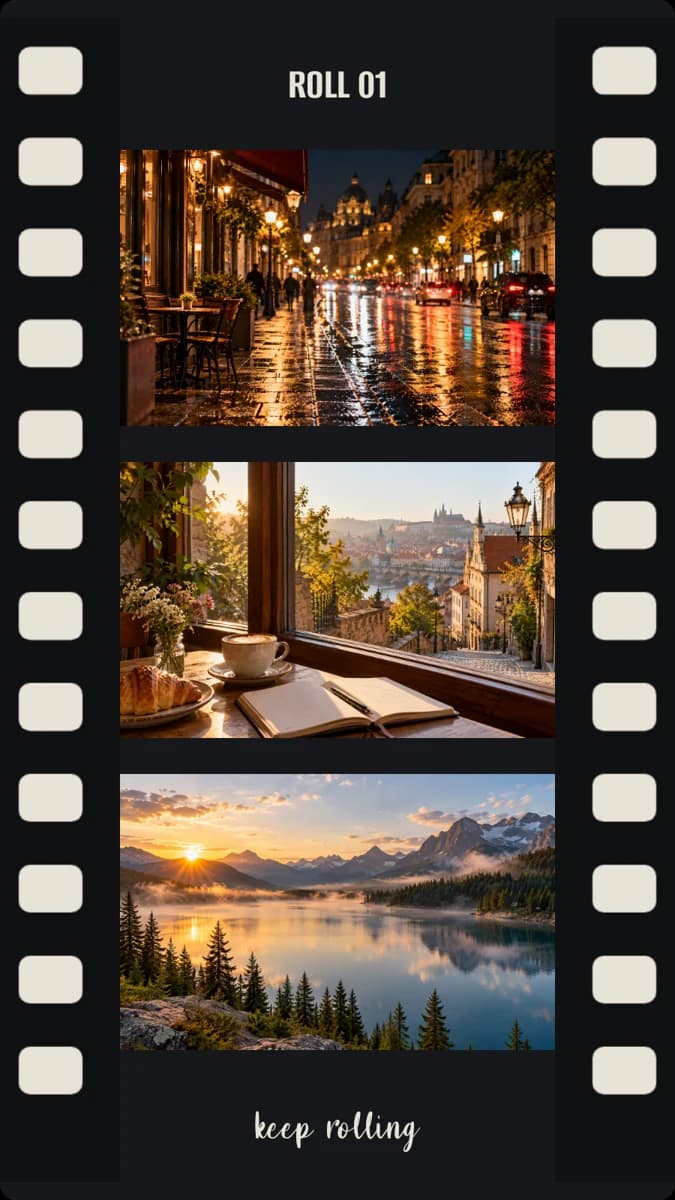
Travel keepsakes, birthday memories and small moments worth saving. There’s more than one way to tell your story.

Collagic is free to download and includes ads. Some photo tools have daily free uses; extra uses may require a rewarded ad.
Yes. Use a blank canvas to move, overlap, rotate and resize your photos. You can also start with a template, grid or your own drawn layout.
Collagic offers animated video export with Pop, Slide and Fade styles, as well as photo export. Check Google Play for the version available to your device.
Email calyptasapps@gmail.com with your app version, phone model and what happened. Please avoid sending private photos. You can read the Collagic privacy policy.
Get Freestyle Photo Collage Maker on your Android phone.
Get Collagic on Google PlayFree to download · Contains ads